
Coordination · MO.tool
Coordination MasterSOON
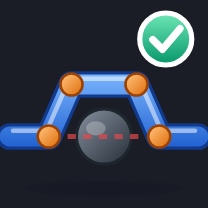
Fixes a clash without making a new one out of sight: hops round it with elbows or moves the run to a clear level, checked along all of it, links included.
Available soon · video and upload in preparationINTERACTIVE EXAMPLE
Fix the clash, create no new one.
Pick over, under or beside, then fix the clash: the run hops round it and every piece is checked.
Press play to watch it work.
DEMOPick a way round, then click the run at the clash
Explore with sample geometry here. Run the tool on your project inside Revit.
Coordination Master · video explanation
SoonWait for the publishHow to use it.
- 01
Click the pipe, conduit, duct or cable tray where it clashes.
- 02
Choose Hop (over, under or beside) or Level, and the room you want to leave.
- 03
Every piece made is checked along all its length, links included. One Undo takes it back.
Works well with Coordination Master.


Give your feedback about Coordination Master
Tell us what you think about Coordination Master, or describe a problem you ran into. Only the MO.tool owner reads it, and we will reply by email when it helps.